Dear players,
Due to the upcoming shutdown of the EN servers of Rise of Angels, all EN players can continue their journey on the RU servers.
To make this transition smoother, we will offer EN players rewards corresponding to their current progression, including diamonds, VIP points, gold, equipment, skins, and more.
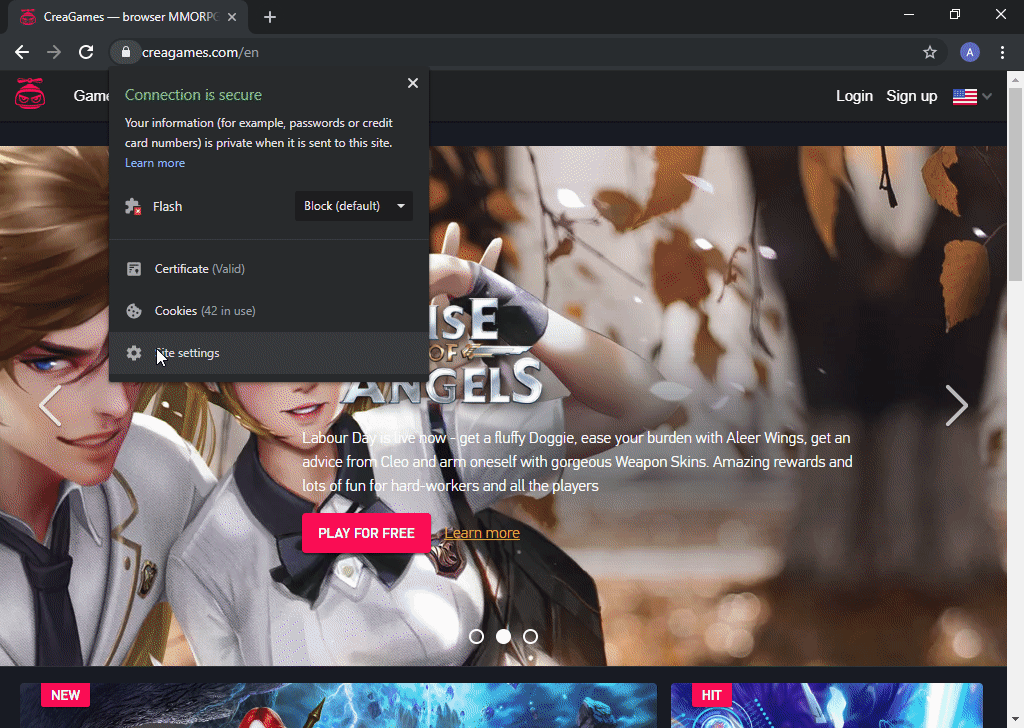
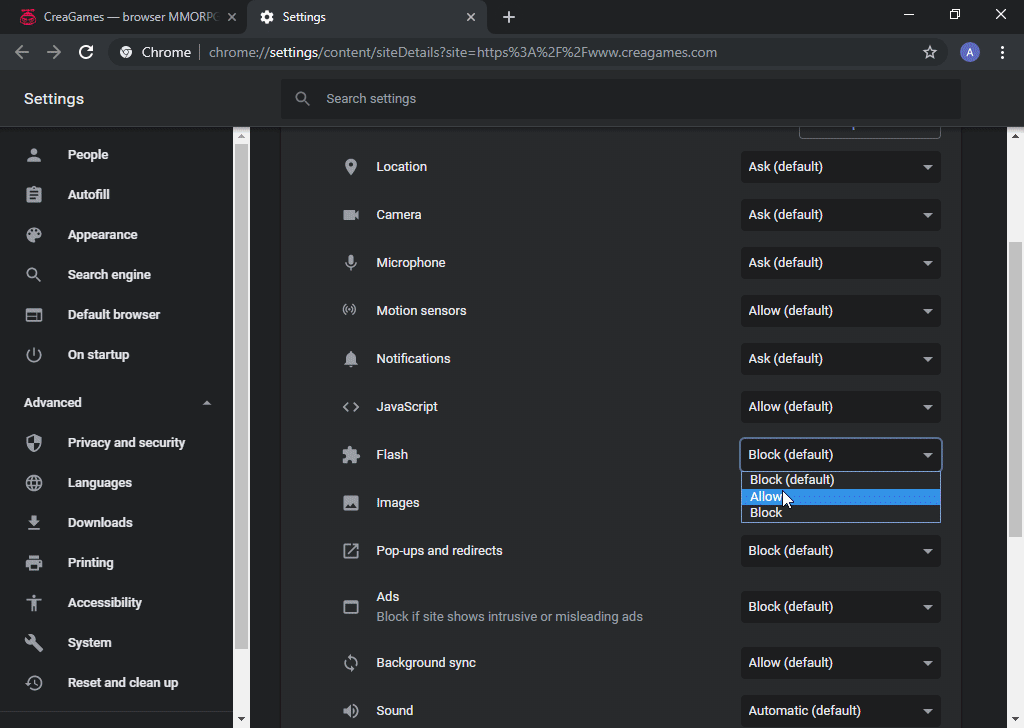
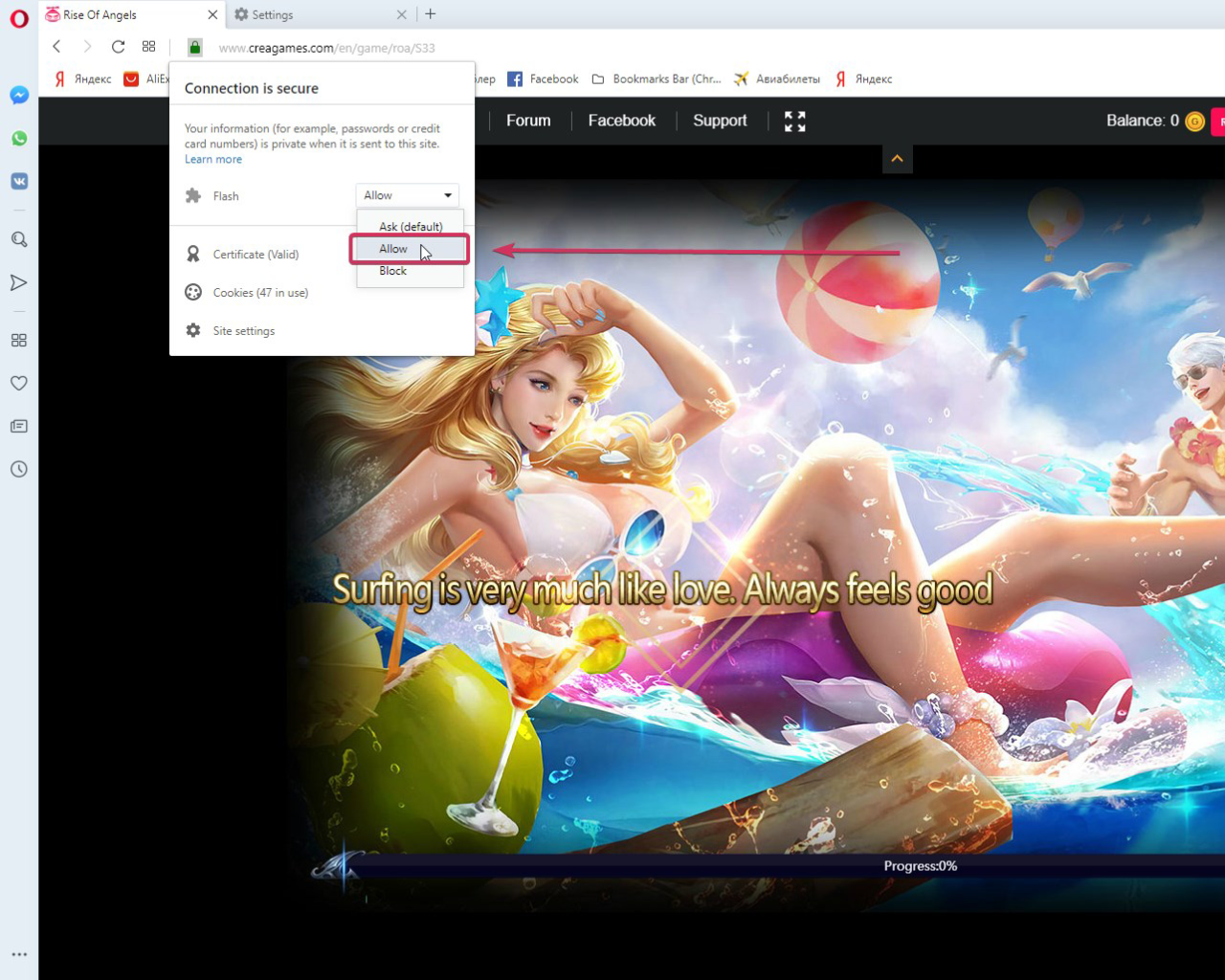
Step 1
FOLLOW THIS LINK to access the Rise of A... Read completely >